Top 10 Best Places to Buy Proxies With PayPal 2026

If you are wondering where to buy proxies with PayPal, you've come to the right place. PayPal remains the dominant payment method for international proxy purchases in 2026 — it offers buyer protection, doesn't expose your card number to the merchant, and is accepted by every major proxy provider on this list. The catch is finding providers who actually offer residential IPs and accept PayPal at checkout, which is why this guide focuses on the ten companies we've verified do both.
Why residential? Because residential IPs come from real household ISPs (Comcast, BT, Deutsche Telekom, Orange, NTT) and look identical to a normal home connection. Datacenter proxies are faster and cheaper, but financial platforms — including PayPal itself — flag them aggressively as VPN ranges, which can trigger account reviews, payment holds, or temporary login locks. If you're going to buy proxies with PayPal for any task that touches a payment account, residential is the only sensible default.
This list is ranked on three things: PayPal acceptance at checkout, residential IP pool quality, and overall reputation in the 2026 proxy industry. The ten providers below are the ones we'd run on our own accounts.
Top 10 Places to Buy Proxies With PayPal — Quick Summary
1. IPRoyal - The best overall PayPal proxy provider
2. MarsProxies - Premium proxies with intuitive features at affordable prices
3. CometVPN - Best VPN for secure PayPal access with residential exits
4. Oxylabs - Largest selection of proxies
5. Bright Data - Powerful proxies at a premium price
6. Proxyrack - Superior datacenter and residential proxies
7. Rayobyte - Affordable datacenter proxies
8. Shifter - Dependable residential proxies
9. Webshare - Free proxies to new users
10. DataImpulse - Pay-as-you-go residential proxy provider
Why You Should Buy Residential Proxies With PayPal
The reason every recommendation on this page leans residential is straightforward: PayPal's anti-fraud system, like every major financial platform's, treats datacenter IPs as suspicious. Connecting to PayPal from a datacenter VPN range increases the chance of a "Limited Account" review or a temporary login challenge — exactly the friction you're trying to avoid by using a proxy in the first place.
Residential proxies sit on real ISP networks (Comcast, Verizon, BT, Deutsche Telekom, Orange, NTT, KDDI). Your traffic to PayPal looks like a normal household viewer's connection — the IP is essentially invisible to anti-fraud detection because blocking it would mean blocking real customers on the same network. That's why every provider in this guide that ranks highly is here: their residential IP pools are large, ethically sourced, and clean enough to use on financial accounts without triggering flags.
The other reason to specifically buy residential proxies with PayPal — rather than another proxy type — is consistency. PayPal's anti-fraud system tracks login geography over time. If you usually log in from the same residential IP and suddenly switch to a different country's datacenter IP, the system flags it. Residential proxies with sticky sessions (1 second to 7 days, depending on the provider) keep your apparent IP stable across logins, which is what PayPal expects from a normal account holder.
What to Look For When You Buy Proxies With PayPal
- PayPal accepted at checkout — every provider on this list confirms PayPal as a payment option (checked April 2026).
- Residential IP pool — at least a million IPs in your target country, with city-level targeting if your use case needs it.
- Sticky sessions — 1-second to 7-day session durations, so you can pin an IP for the duration of a login or transaction.
- SOCKS5 + HTTPS protocol support — needed for browser extensions like SwitchyOmega and per-app routing tools like Proxifier.
- Verified no-logs policy — non-negotiable for anything that touches payment data.
- Dual authentication — username/password plus IP whitelist; reduces the blast radius if credentials leak.
Where to Buy Proxies With PayPal: Top 10 Providers Reviewed
The ten providers below all accept PayPal at checkout (verified April 2026), all offer residential IP pools, and all support the SOCKS5 + HTTPS protocols you need for browser-level and per-app routing. They're ranked on residential IP pool quality, geo-targeting depth, and overall reputation in the 2026 proxy industry. Three of the most common reasons readers come to this page — and the bullets that map to each:
- Account security on public Wi-Fi. Logging into PayPal from a hotel, airport, or café? A residential proxy in your home country prevents the location-mismatch flag and keeps the connection encrypted.
- Multi-account management. Operating several legitimate PayPal accounts (separate businesses, separate currencies)? Pin a different residential IP to each account so PayPal's anti-link system treats them as independent.
- Geo-feature access. Some PayPal features (Buyer Credit, certain merchant tools, regional currency conversion) only ship in specific countries. A residential proxy in a target country unlocks those features when you sign in from outside.
For each provider in the reviews below, the proxy types and pricing are pulled directly from their public 2026 rate sheets. Every provider's "Check Prices" link goes to PayPal-accepting checkout — there's no detour, no minimum spend, and no card-only paywall on any of them.
Full PayPal Proxy Provider Reviews
After learning how proxy services can be helpful for PayPal users, let us now review some of the top companies you can reach for your PayPal needs.
Let’s start with our top pick.

- Pricing: Pricing starts at $7/GB for the regular residential proxy service with great bulk discounts, $1.80 per proxy for the static residential servers, $1.80 for the datacenter IPs, $1/proxy for the sneaker proxy service, and finally, $90/month for the mobile proxy service.
Coming in at the top of our list is IPRoyal, one of the most popular proxy service providers today. Despite less than five years in the market, this company has quickly become a well-respected proxy guru.
At the moment, IPRoyal has over 8 million proxy servers in more than 195 countries around the world. The pool comprises residential, datacenter, mobile, ISP, and sneaker proxies offered under different packages.
IPRoyal is a safe option for your PayPal needs as it supports the latest security protocols, such as HTTPS and SOCKS5. It also offers good proxy controls to rotate your IPs when needed. The SOCKS5 support, private IPs, and dual authentication are crucial for secure data transmission.
✓ Features
- Over 8 million IPs in over 195 locations
- SOCKS5 and HTTP(S) support
- Affordable packages
- Flexible payment plans
- Good proxy controls
- Dual authentication
- Bulk discounts
✗ Negatives
- Lack of phone support


- Pricing: Residential proxies start at $3/GB and ISP at $2/proxy. The datacenter proxies cost $0.80/proxy for the daily plan and $1.40 for the monthly plan.
MarsProxies offers dedicated IPV4 proxies from 200 US and Europe locations. While the provider is focused on proxy service for sneaker copping, its proxy servers are infused with some great features that make it an excellent option for PayPal.
For example, this provider offers high-speed servers integrated with highly secure protocols SOCKS5 and HTTPS. This ensures seamless performance and optimal privacy and security online.
The private, unbanned IPs with dual authentication make the MarsProxies service ideal for PayPal. There’s a 24-hour money-back guarantee on all purchases, which is a plus. Unfortunately, MarsProxies doesn’t have a free trial, but on the good side, you can purchase a daily plan for datacenter IPs at low prices.
✓ Features
- Over 550,000 unbanned IPs from 200 locations
- Unbanned IPs
- Instant activation
- 99.9% uptime
- High-performance servers
- SOCKS5 and HTTP(S) support
- 24-hour money-back guarantee
- A daily plan
✗ Negatives
- Limited catalog

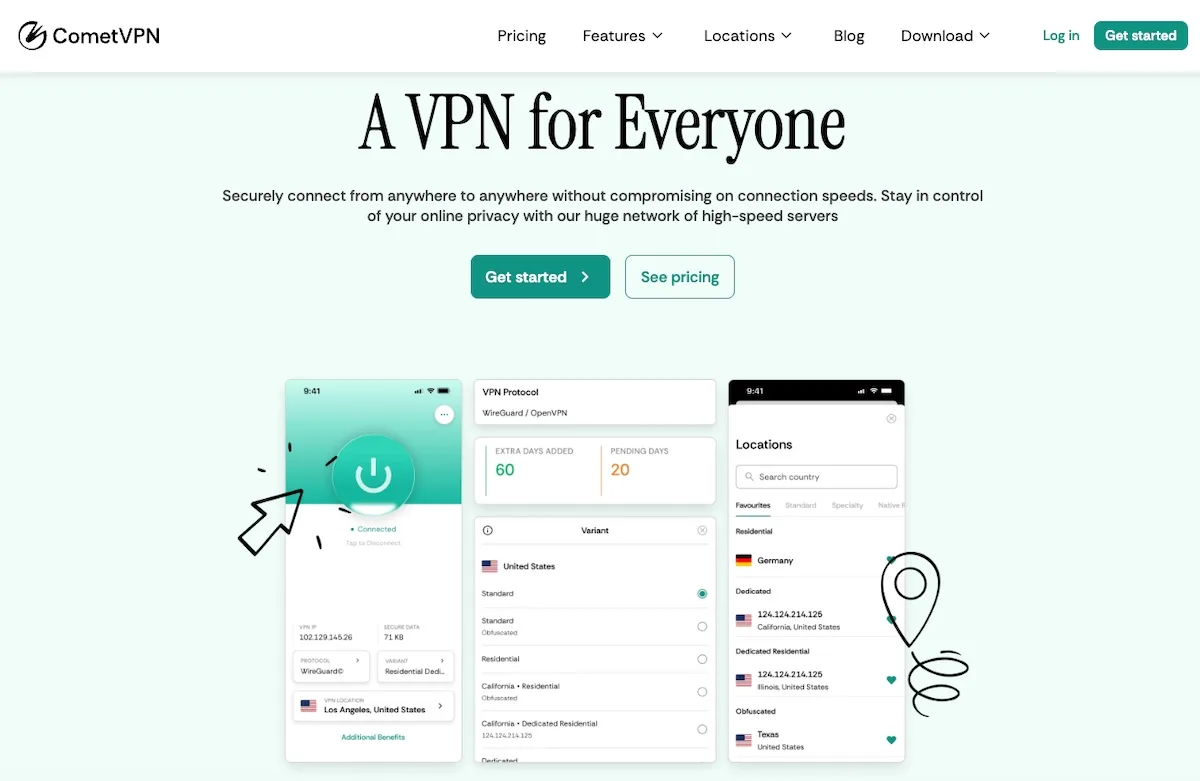
- Pricing: CometVPN starts at $1.89/mo on the two-year plan with a 30-day money-back guarantee. The Dedicated Residential IP add-on is available on top of the base plan.
PayPal's anti-fraud system is one of the most aggressive in fintech — and a flagged IP can lock you out of your account, freeze a transaction, or trigger a multi-day "limited account" review. The most common cause is logging in from a new country, a public Wi-Fi network, or a datacenter VPN range that PayPal has classified as suspicious. CometVPN's Dedicated Residential IP plan with the WireGuard protocol gives you a fixed real-ISP IP that PayPal treats like a normal home connection — exactly what you want when accessing your account from a hotel, an internet café, or a country PayPal hasn't seen you log in from before.
For PayPal in 2026, CometVPN's most relevant features are the obfuscated servers (which prevent your ISP from flagging the connection as VPN traffic), the kill switch (which prevents your home IP from leaking mid-session), the AES-256 encryption (which protects payment-page data on public networks), and the verified no-logs policy (which is non-negotiable for any tool touching financial accounts). The 50+ country server list covers all major PayPal regions, and the multi-device support (up to 5) means you can run it on phone, laptop, and a backup tablet without juggling licenses.
The trade-off vs. a dedicated proxy is per-app routing. CometVPN tunnels every byte through the VPN rather than letting you mix tunneled and direct traffic. For pure PayPal access that's a feature — for power users running a multi-account proxy farm alongside their primary PayPal session, a residential proxy from MarsProxies or IPRoyal is the better tool.
✓ Features
- Dedicated Residential IP plan with WireGuard protocol
- Servers in 50+ countries
- Obfuscated servers and kill switch
- AES-256 encryption with verified no-logs policy
- Multi-device support (up to 5 devices)
- Based in Panama — outside 14 Eyes
- 30-day money-back guarantee
✗ Negatives
- No per-app routing — VPN tunnels all traffic
- Dedicated Residential IP add-on layered on top of the base plan

- Pricing: The starter package is $500/month for all proxies. The pay-as-you-go plan allows you to buy residential proxy traffic at $15/GB, datacenter proxy servers at $0.11/GB + $0.80/IP, ISP proxy traffic at $15/GB + $0.50/IP, and mobile proxy servers at $40/GB.
Coming in second place is Bright Data, a company that has seamlessly maintained a spot in the proxy guru roundtable for quite a while. This provider has a powerful proxy network comprising more than 72 million IPs in over 195 countries.
On top of the stellar proxy performance, Bright Data is also known for its fantastic compatibility with various servers. So, if you want to automate any task on PayPal using a specific tool, Bright Data’s proxy service is an option to consider.
However, one of the biggest downsides to this provider is the lack of SOCKS5 proxies because this protocol ensures optimal security. Also, the packages are expensive, but the pay-as-you-go plan makes the pricing more flexible.
✓ Positives
- Over 72 million IPs in over 195 countries
- Dual authentication
- Good proxy controls
- Impressive tool catalog
- 7-day free trial for businesses
- 3-day money-back guarantee for individuals
✗ Negatives
- Expensive
- Lack of SOCKS5 support

- Pricing: The residential proxies start at $15 per GB, while the mobile proxies start at $250 for 10 GB monthly. The rotating ISP proxy service’ pricing starts from $340 for 20 GB a month. The shared and dedicated datacenter proxy servers retail at $50 and $180 monthly.
Oxylabs is a premium provider that has gained massive popularity recently due to its network capability. The company has over 100 million IPs in more than 195 countries, feats no other provider has managed to achieve.
But is Oxylabs a good choice for your PayPal needs? The simple answer is yes! This provider has one of the most advanced proxy networks in today’s industry. With a catalog comprising residential, datacenter, mobile, and ISP proxies, you can rest assured you’ll find a PayPal proxy for your needs.
Like other top-tier networks on this list, this provider offers a 7-day free trial for businesses and a 3-day money-back guarantee for individual customers. You also get a dedicated account manager under select plans, a proxy manager app, and a proxy API.
On the downside, the residential IPs from this provider don’t support SOCKS5 connections.
✓ Features
- Over 100 million IPs from 195 locations
- Good proxy controls
- Insured service
- Good proxy management tools
- Broad pricing plans
- Impressive catalog
- 3-day money-back guarantee for individuals
- 7-day free trial for businesses
- HTTP(S) support
✗ Negatives
- Can be expensive for some users
- No SOCKS5 support
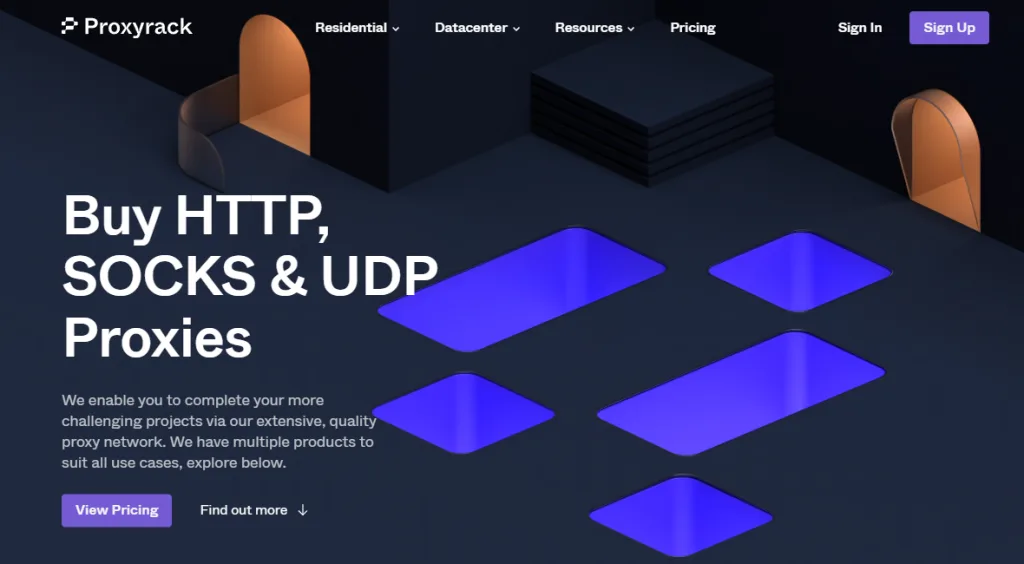
- Pricing: Premium residential proxies start at $49.95/month. Unmetered residential proxies begin at $65.95/month. The global rotating datacenter proxy servers start at $65/month, the USA rotating at $65.95/month, and the static datacenter proxy servers start at $50/month.
Proxyrack is a premium provider that has positioned itself as an affordable proxy company with amazing packages. Despite the website lacking information on how the company governs its network, it has an impressive online reputation indicating that most users are generally satisfied with the service quality.
This provider offers a selection of residential and datacenter proxy servers that come in different packages. There’s HTTPS and SOCKS5 support which ensures a secure connection. The pricing itself is nothing to complain about. The service is suited to all classes of clients.
The company lacks a free trial for the service, but customers can opt for the 7-day paid trial. If unsatisfied with the service, you can request a refund within the first 72 hours of purchase.
✓ Features
- Over 140 supported locations
- Easy-to-use interface
- Paid trial
- 3-day money-back guarantee
- SOCKS5 and HTTP(S) support
✗ Negatives
- No information on the proxy pool size

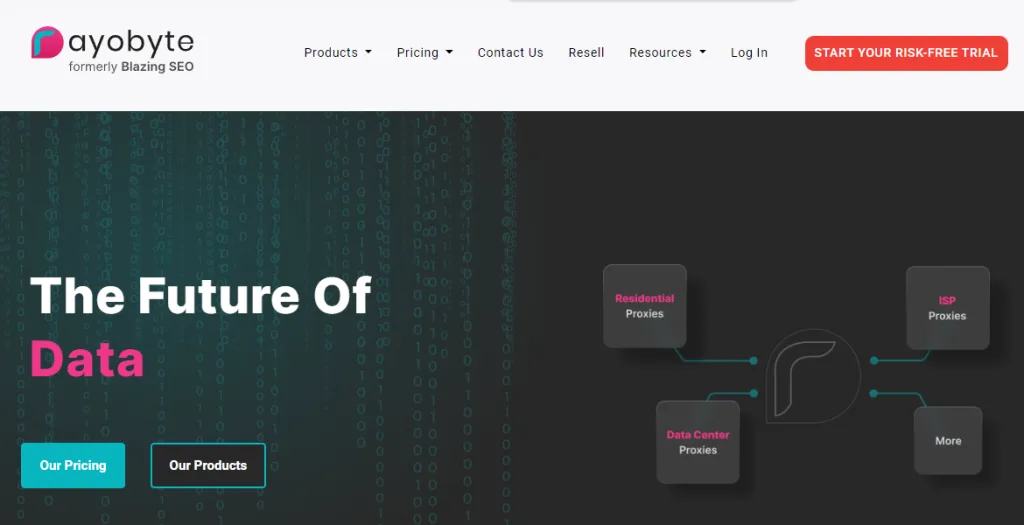
- Pricing: Residential proxies start at $1/GB, while datacenter proxy servers start at $1/IP. The ISP proxy service is way more expensive, starting at $4.60/IP. The mobile proxy servers are $50 monthly, while the scraping bot is free.
Formerly known as Blazing SEO, Rayobte has recently shown tenacity in its quest to become a top-tier proxy provider. Previously, it was known for its datacenter proxies, but in its recent rebranding efforts, Rayobyte added ISP, residential, and mobile IP addresses to its pool.
The datacenter packages, however, are way more advanced, so it would be best to go with them. The number of residential and mobile proxies is unknown at the time of this writing.
Its datacenter proxy network has more than 300,000 IPs, which is not really impressive as most providers have already surpassed this number. Still, customers have commended these servers for their excellent performance, so they are worth considering.
The HTTP(S) and SOCKS5 support and dual authentication make it a good option for PayPal.
✓ Features
- Over 300,000 datacenter IPs in 26 countries
- Pocket-friendly prices
- Unlimited traffic
- SOCKS5 and HTTP(S) support
- Dual authentication
✗ Negatives
- No free trial

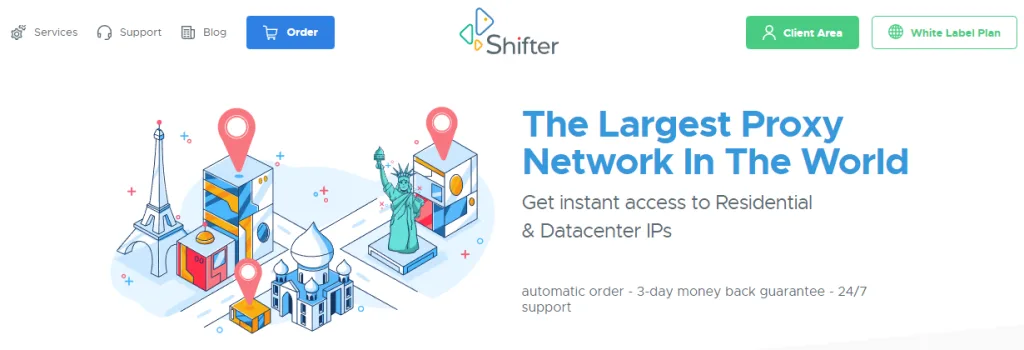
- Pricing: Five basic rotating proxies cost $99.98, while the same number of special rotating proxies cost $199.98.
Most companies on our list are general-purpose providers with an extensive product catalog. Shifter is a bit different. This provider focuses on residential proxy servers, and its pool comprises more than 50 million IPs.
The HTTP(S) and SOCKS5 support is important for a more secure connection when dealing with your PayPal account. The location support is pretty good, too, offering IPs from almost every country and city in the world. The session control is not that bad either, as you get both static and rotating IPs.
Wrapping it up, you get a 3-day money-back guarantee and a free trial. However, you have to contact the customer support team to be granted access to the free trial package, which according to the website, is available for most plans.
✓ Features
- Over 50 million IPs from worldwide locations
- HTTP(S) and SOCKS5 support
- 3-day money-back guarantee
- Free trial
- Good customer support
✗ Negatives
- Lack of username/password authentication

- Pricing: After the free plan, the starter plan starts from $2.99 for 100 datacenter IPs monthly.
It is no secret that the datacenter proxy world is pretty competitive, given the low barrier of entry. But despite the many companies here, Webshare has managed to stand out from the pack. Besides datacenter IPs, the provider also has residential and ISP proxy servers.
This company is a good option for your PayPal needs as it offers private IPs, SOCKS5 support, and dual authentication. It also has high-speed servers and a free plan to test the service before upgrading to a paid plan. The company also has a solid online reputation, with customers praising the responsive customer support.
Webshare has a 2-day refund policy system, but the terms and conditions explicitly state that it is under the company’s sole discretion. Other than that, this is a pretty solid provider with robust servers and an excellent reputation to back it up.
✓ Features
- Over 10 million IPs from over 40 locations
- Dual authentication
- SOCKS5 support
- Free plan
- Good customer support
- Pocket friendly
✗ Negatives
- Lacks mobile proxies

DataImpulse
Competitive pricing with extensive IP coverage
- Pricing: Starting from $1/GB for residential proxies; $0.50/GB for datacenter proxies
DataImpulse stands out as a modern proxy provider with an exceptionally large IP pool and competitive pricing. With over 90 million ethically sourced residential IPs across 195+ countries, they offer flexible pay-as-you-go pricing with non-expiring traffic.
The service provides excellent support for various proxy types including residential, datacenter, mobile, and premium residential proxies. Their straightforward pricing model and responsive customer support make them an attractive option for both small and enterprise-scale proxy needs.
✓ Features
- 90M+ ethically sourced residential IPs
- Proxies in 195+ worldwide locations
- HTTP(S) and SOCKS5 protocol support
- Rotating and sticky sessions (up to 120 minutes)
- Pay-as-you-go pricing with non-expiring traffic
- 1-second average response time
✗ Negatives
- Relatively new provider (founded 2022)
- No free trial available
How to Use a PayPal Proxy
Setting up a PayPal proxy takes about five minutes regardless of which provider you pick. The steps:
- Buy your proxy plan with PayPal. Pick a residential plan from one of the providers above, choose your target country (usually your home country for security use cases), and pay with PayPal at checkout.
- Get your endpoint and credentials. The provider's dashboard shows your endpoint (e.g.,
geo.iproyal.com), port, username, and password. Copy these. - Configure the proxy in your browser. The cleanest setup is per-browser via an extension like Proxy SwitchyOmega — paste the endpoint and credentials, save the profile, and switch to it before opening PayPal. That keeps your other browsing on direct internet.
- Pin a sticky session if your provider supports it. Use a 30-minute or 1-hour stickiness so the IP stays consistent during your PayPal session — this prevents PayPal's anti-fraud system from seeing rapid IP changes mid-login.
- Test before logging in. Visit a "what's my IP" site through the proxy first to confirm the exit IP resolves to your target country, then open PayPal.
For a one-click VPN alternative — particularly useful if you want PayPal protection on mobile — install CometVPN's app, enable the Dedicated Residential IP plan with WireGuard, and you're done.
Conclusion
Choosing to buy proxies with PayPal is the most secure way to protect your financial footprint online — PayPal's buyer protection covers you against the rare bad-faith provider, and you never expose your card details to the merchant. Pair PayPal at checkout with a residential IP from one of the providers above and you get the safest possible setup for accessing PayPal accounts from public Wi-Fi, managing multiple legitimate accounts, or unlocking region-specific features.
If you only remember one thing from this guide: residential beats datacenter for any task that touches a payment platform. The providers ranked highest on this page (IPRoyal, MarsProxies, CometVPN, Oxylabs, Bright Data) all combine PayPal acceptance with residential pools large enough to keep your IP clean across years of use.